· One min read

We’ve added two major upgrades to Sentry to make monitoring and alerting more efficient: Activity Grid and Motion Hours. These features provide better visibility, smarter alerts, and more control.

Activity Grid

The new Activity Grid makes it easier to see what’s happening at a glance. Historical data is displayed more clearly, letting you spot trends and anomalies faster.
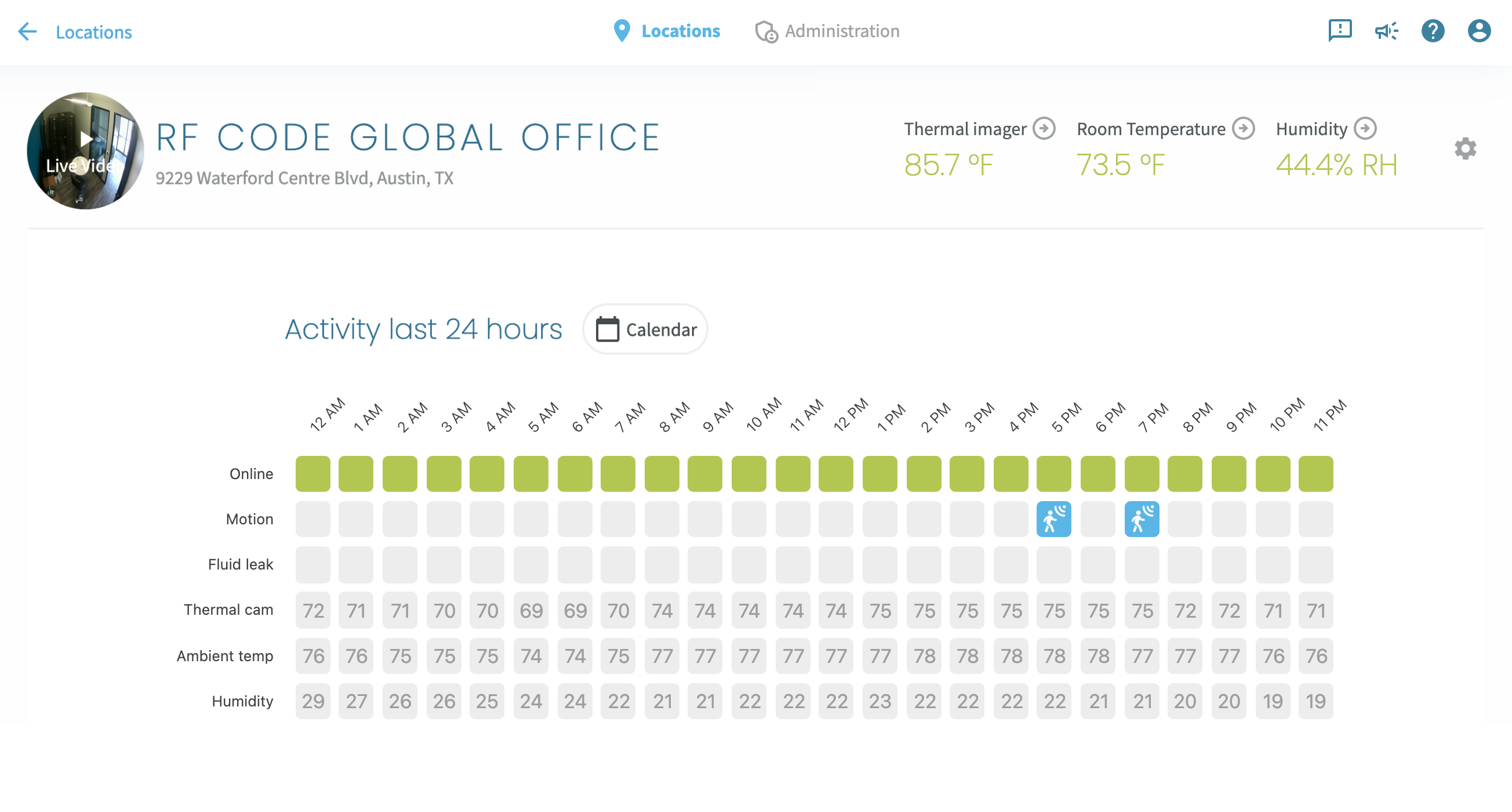
Activity Grid

Need more detail? Expand for a deeper look without losing your place.
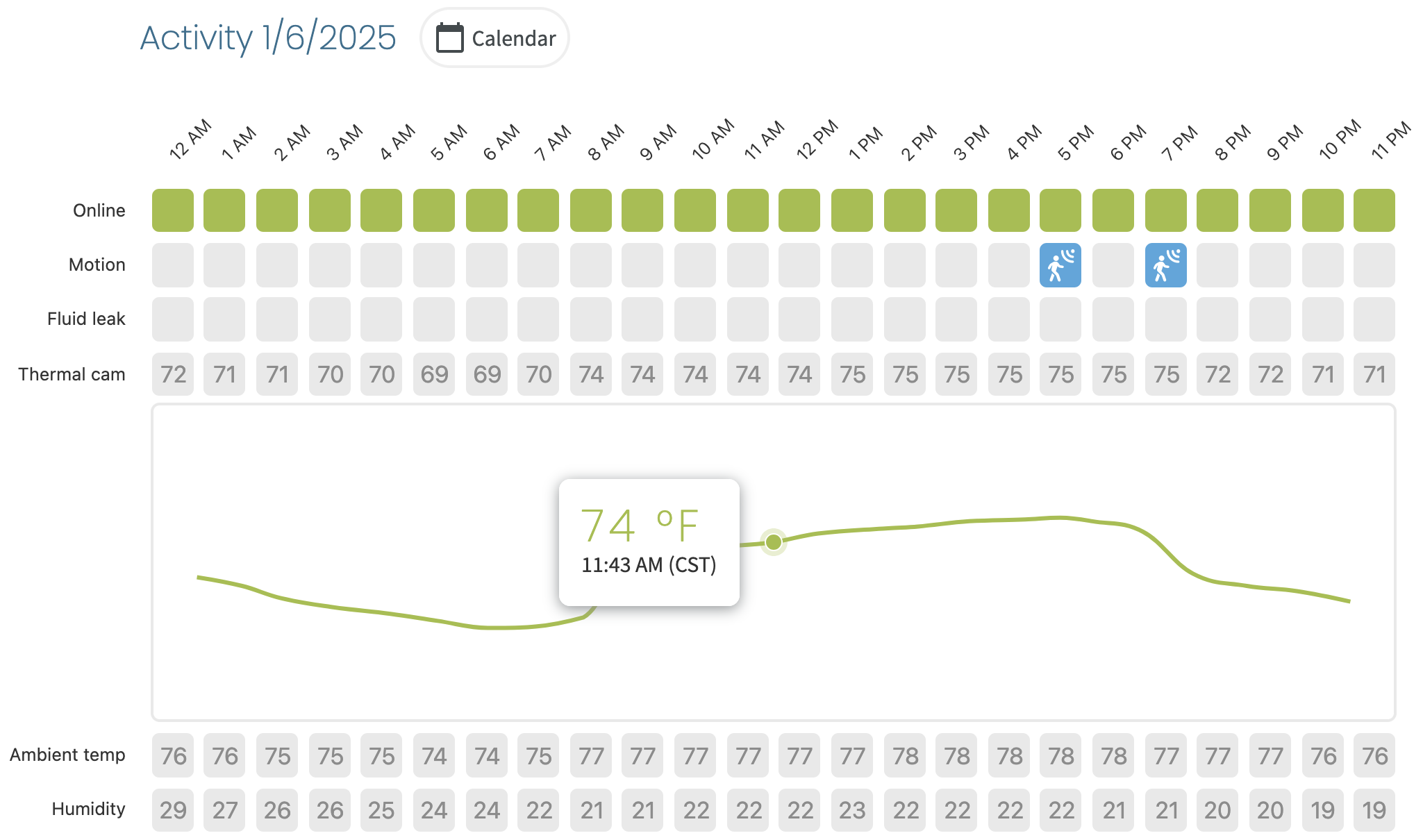
Activity Grid expanded

Motion Hours

Motion detection alerts used to be all or nothing—you either got notified for every detected movement or none at all. Motion Hours lets you control when notifications are active. Suppress notifications during business hours to reduce distractions, while still getting alerts for after-hours activity.
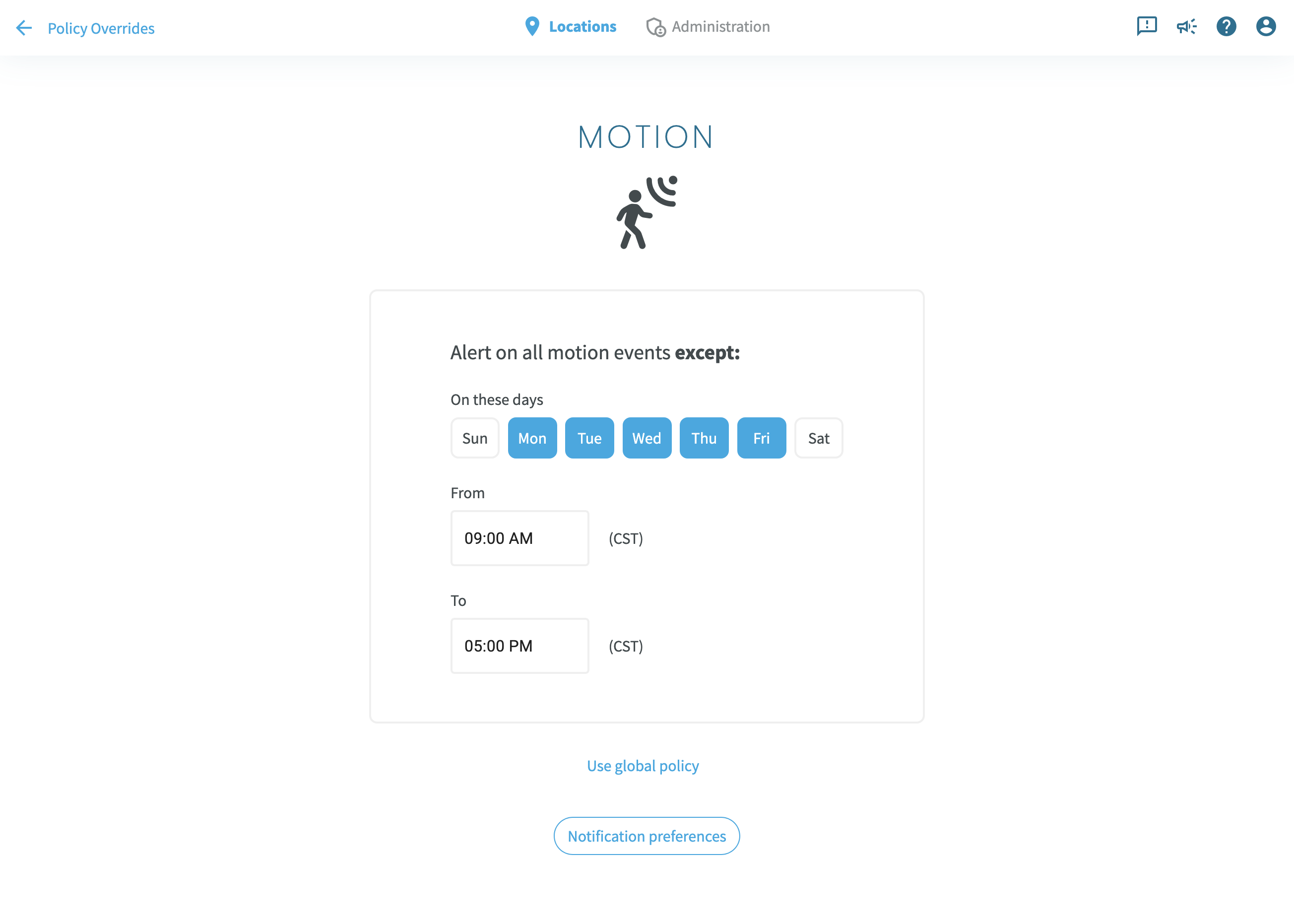
Motion Hours

These updates make Sentry more efficient and easier to use.

Visit our documentation for details, or contact our support team.
· One min read

API access

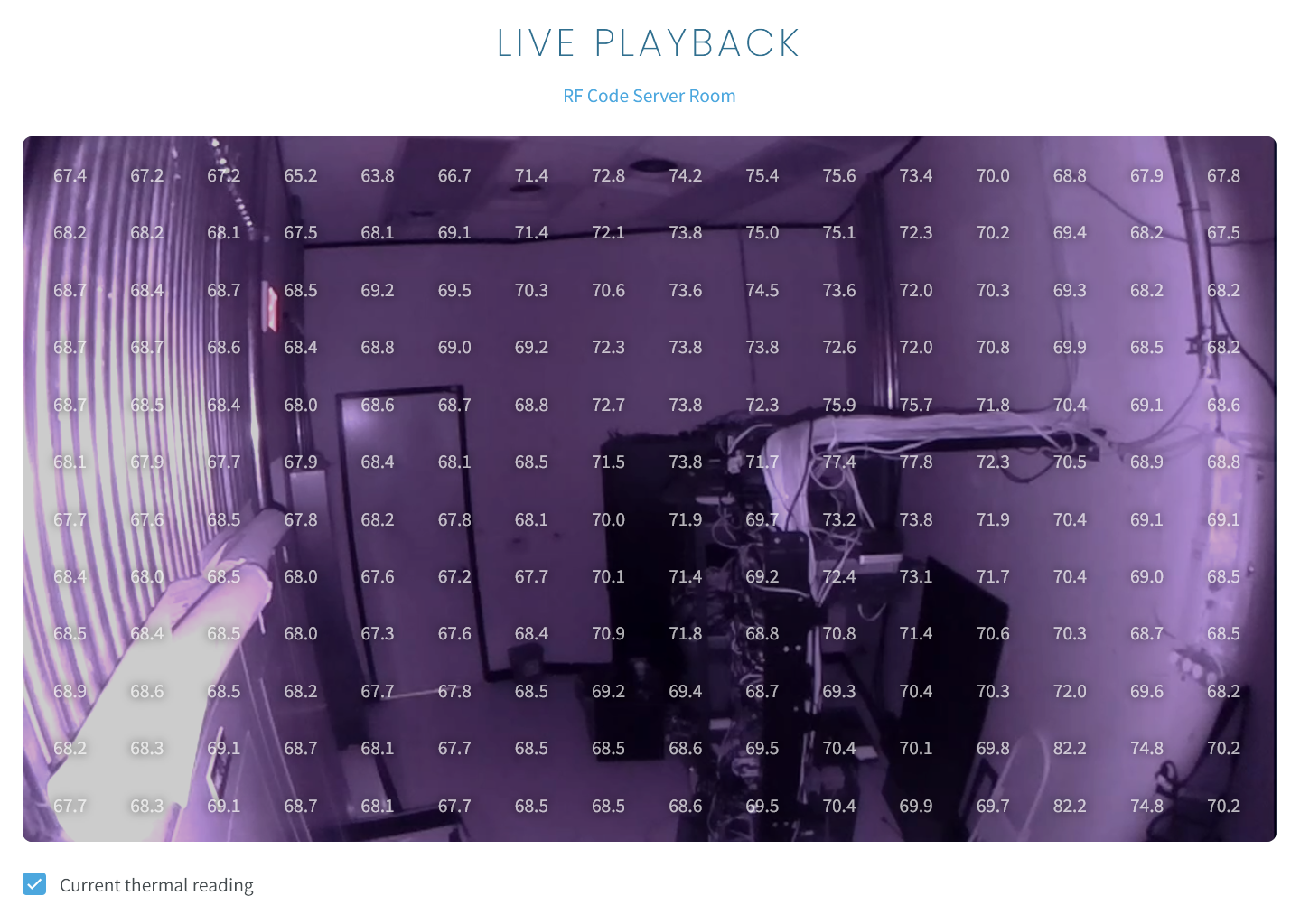
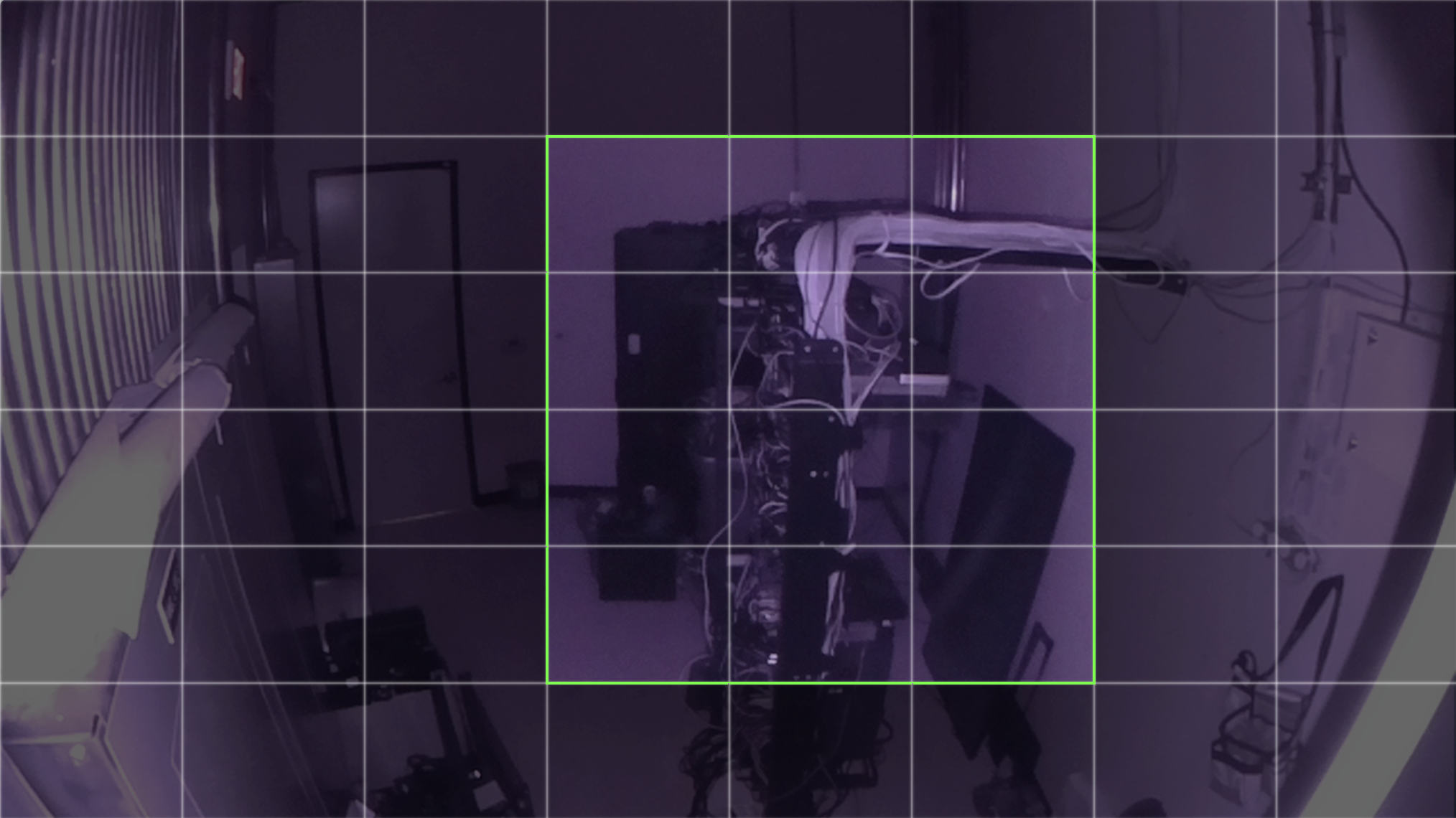
We’re excited to announce a powerful new feature for Sentry users: Zones. With Zones, you now have greater control over motion detection and thermal alerting, tailoring your monitoring to precisely suit your needs.

What Are Zones?

Zones allow you to customize how Sentry monitors your environment by:

  • Excluding areas from motion detection or thermal alerts to minimize unnecessary notifications.
  • Tagging specific items of interest, such as server racks, for focused thermal alerting.

This flexibility makes Sentry even more effective for environments where certain areas or objects require different levels of attention.

Why Use Zones?

Zones empower you to:

  • Reduce distractions by eliminating alerts from irrelevant areas.
  • Enhance focus on critical areas or assets.
  • Streamline monitoring workflows for increased efficiency.

Whether you’re managing a data center or optimizing a data closet, Zones give you the precision and customization you need.

For more details or assistance, visit our documentation or contact our support team.

· One min read

API access

Sentry now exposes a public API, which is accessible with keys provided upon request.

To obtain your key, contact support at help@rfcode.com and we'll be happy to help.

· One min read

Policy change auditing

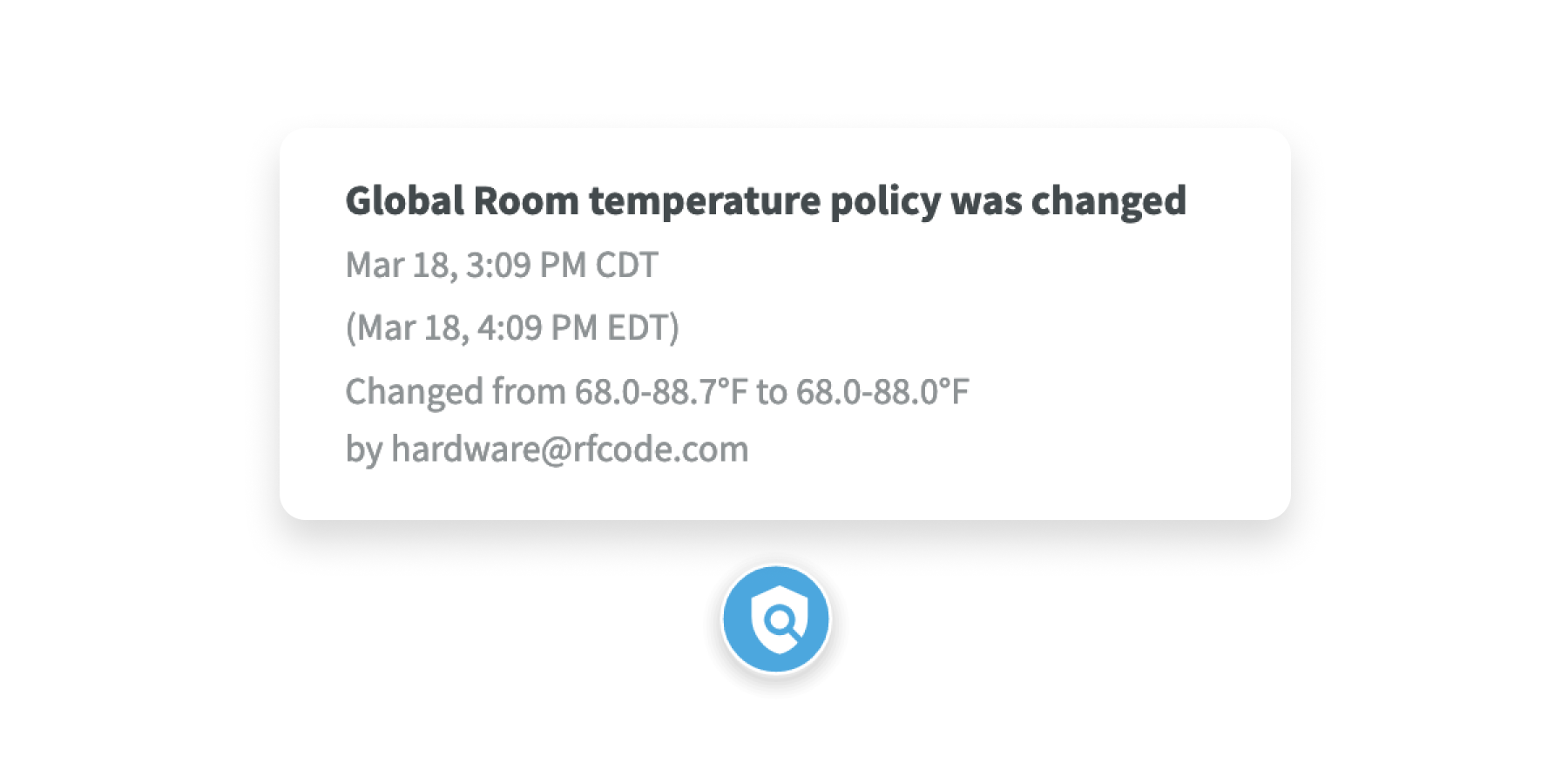
Keeping track of changes in remote IT locations just got easier with Sentry's newest feature, Policy Change Auditing. Now, you can stay on top of adjustments made to temperature and humidity thresholds, motion detection alerts, and more.

With Policy Change Auditing, you no longer have to wonder who adjusted which setting and when. Every modification is logged automatically, giving you a clear trail of adjustments over time. Whether you're managing servers, networking equipment, or other critical infrastructure, this feature offers peace of mind and accountability.

Not only does Policy Change Auditing provide transparency, but it also helps you make smarter decisions about your remote IT setup by understanding how your monitoring protocols have evolved over time.